Best Of
Re: The Bi-Monthly Environment Art Challenge | July - August (103)
Fabi_G said:@Pep_mepla Looking goodDo you have any dynamic/ interactive elements planned?
Hey Fabi! Your scene is looking great, gotta say you are an inspiration each challenge. Even when I don't participate, I always check out what you make and it is amazing!
I do have planned a small animation for the dial to move when the knob is turned.
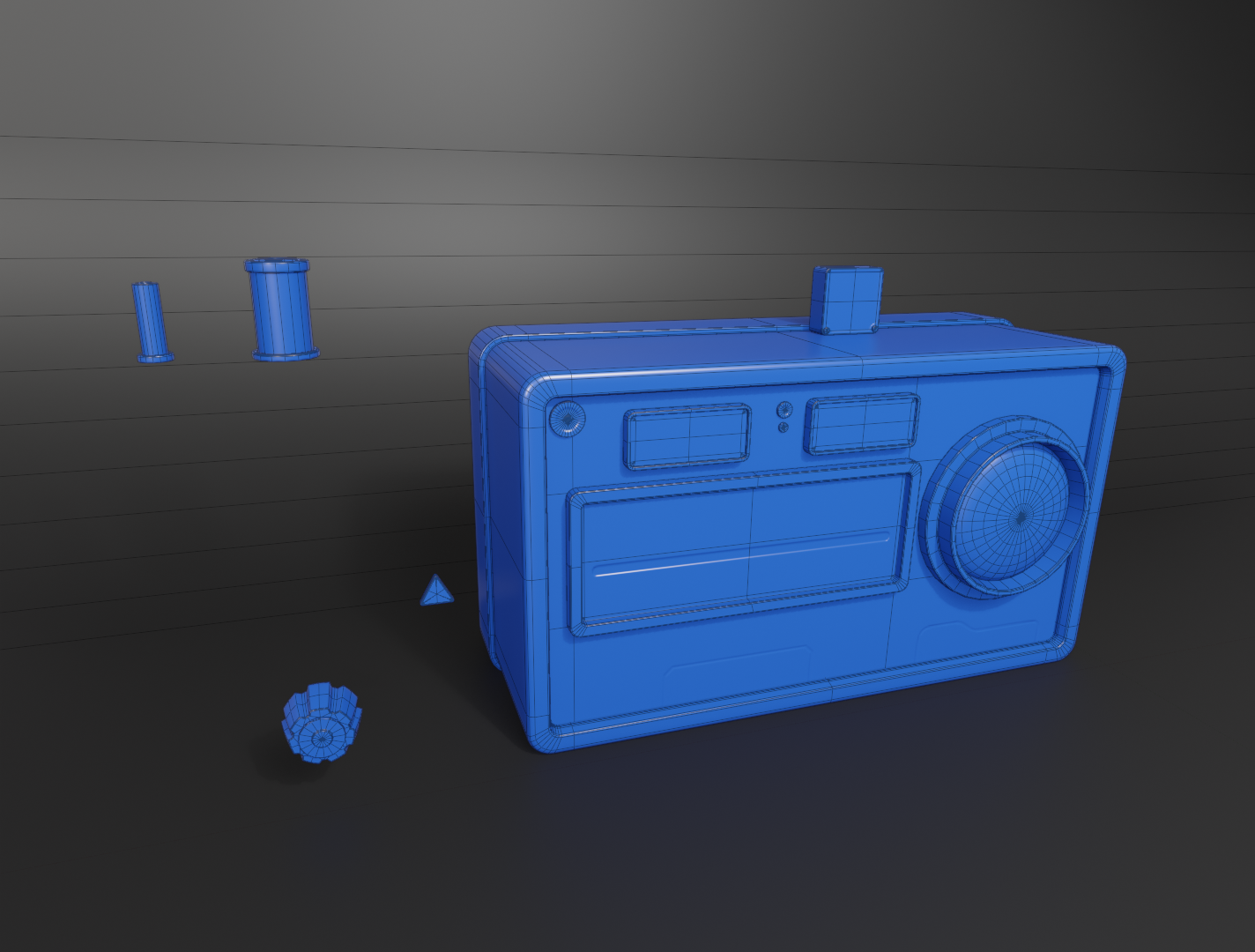
This is my lowpoly for the main part with the normals already baked. However I have a question for you guys. Do you suggest I keep the knobs and those cylinders on the top as modular pieces to save on texture space? Or should I instance them and have each one have it's own uv's, that way the AO would be baked on the top of the radio... What would be the "correct" approach?
 Pep_mepla
3 ·

Re: The Bi-Monthly Environment Art Challenge | July - August (103)
Excited to give this challenge a go! This has been my attempt so far.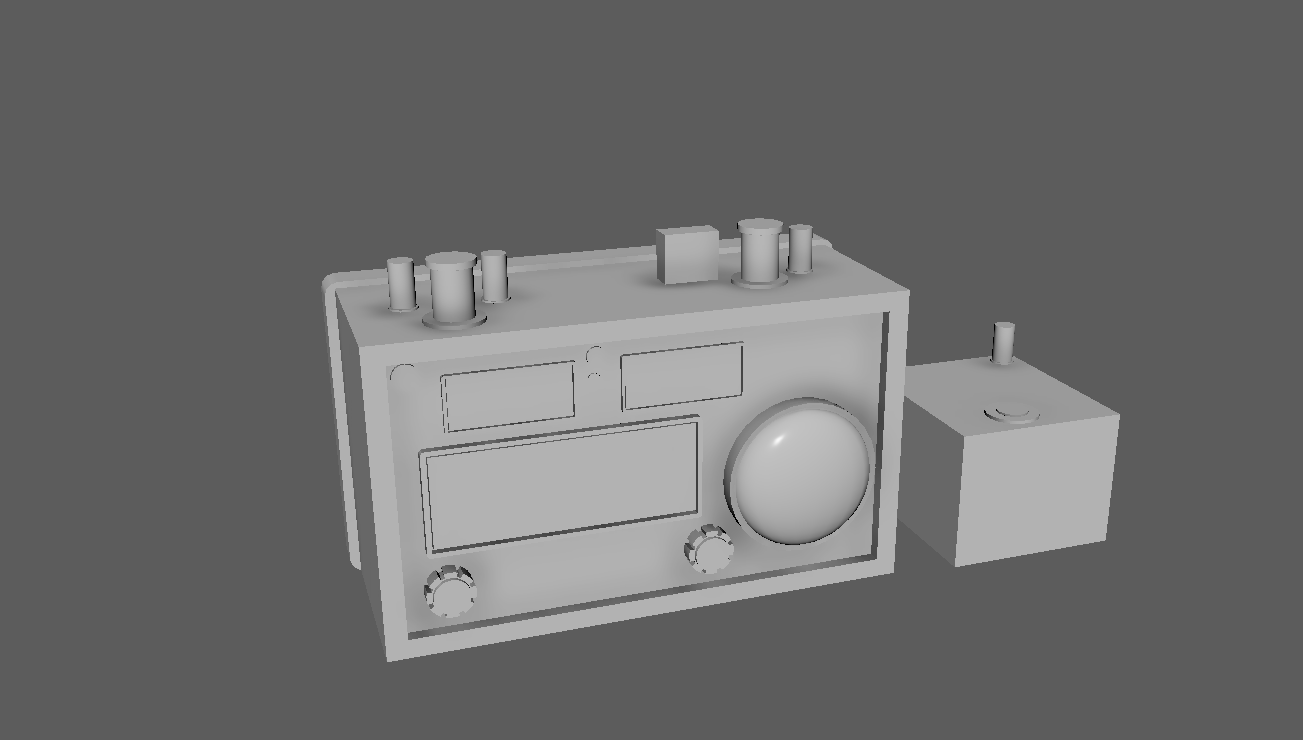
 HarryT25
4 ·

Re: What Are You Working On? (3D) 2026
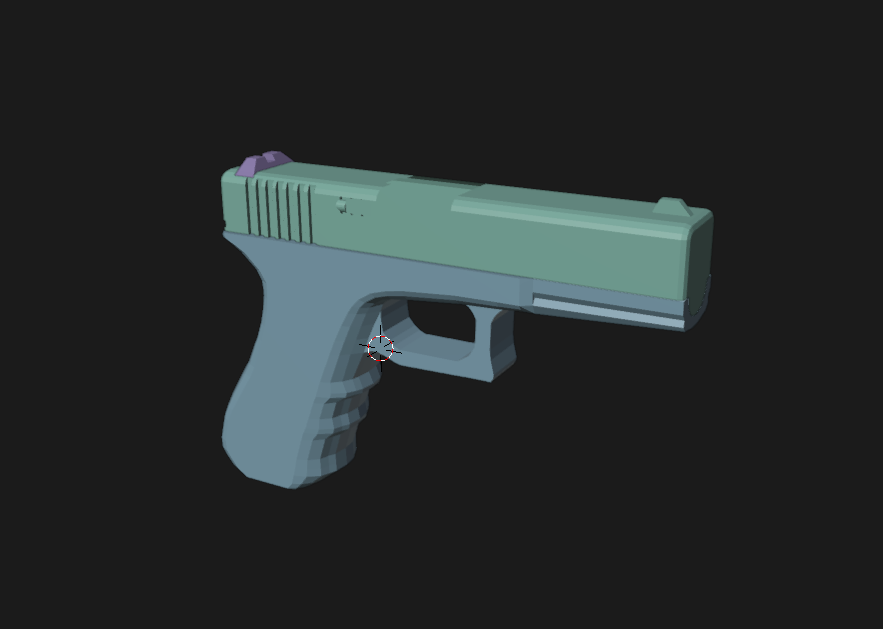
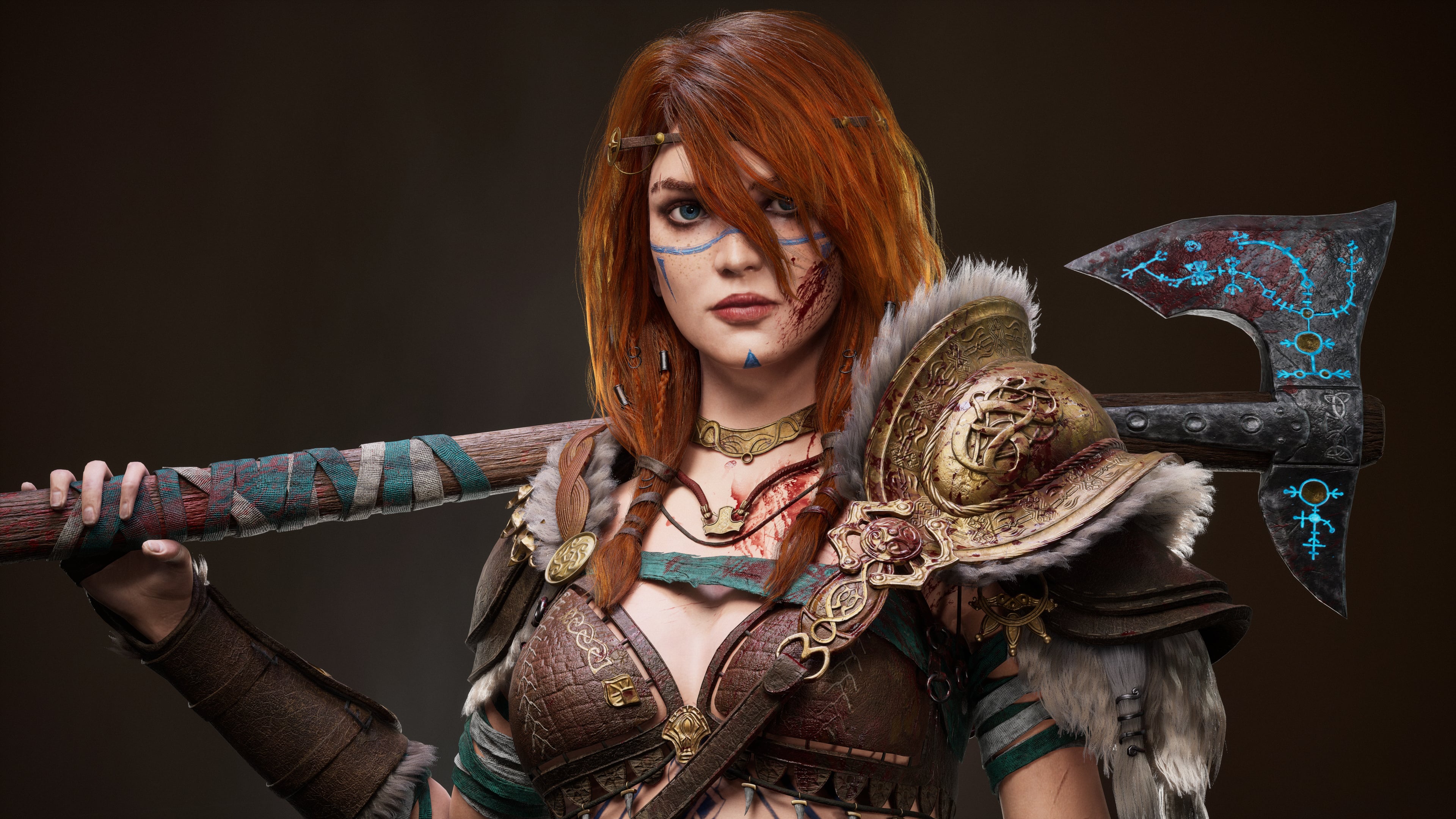
Hey everyone! I finally finished a big project, and I'd really appreciate it if you could check it out and let me know what you think. It also includes a little cinematic, so I hope you enjoy it!
 Sinerus
4 ·
Re: What Are You Working On? (3D) 2026
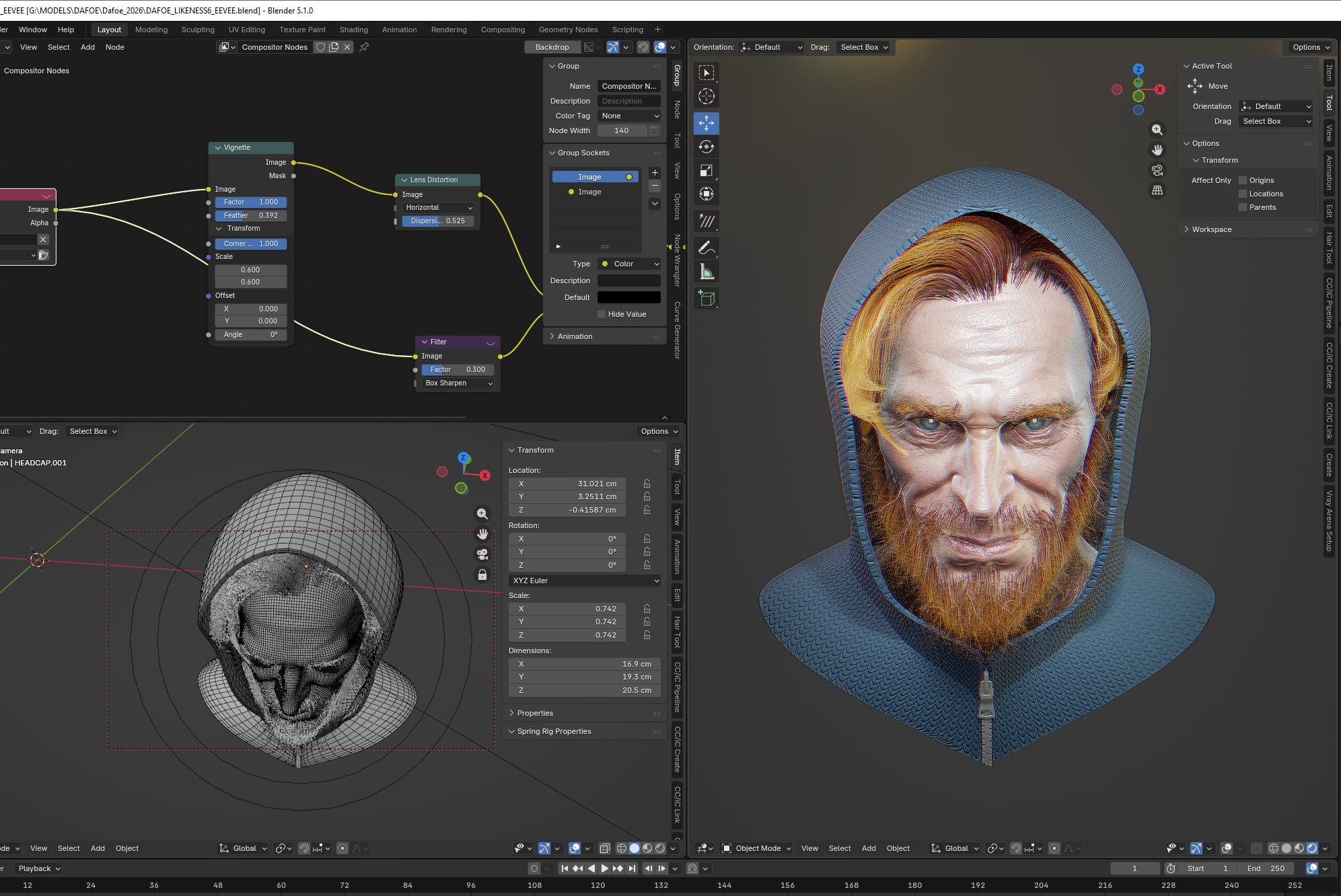
 decided to go full on eevee from now , no more spending hours messing with cycles because 'proper CG' render stuff is not my cup of tea
 Ruz
Ruz
3 ·
Re: What Are You Working On? (3D) 2026
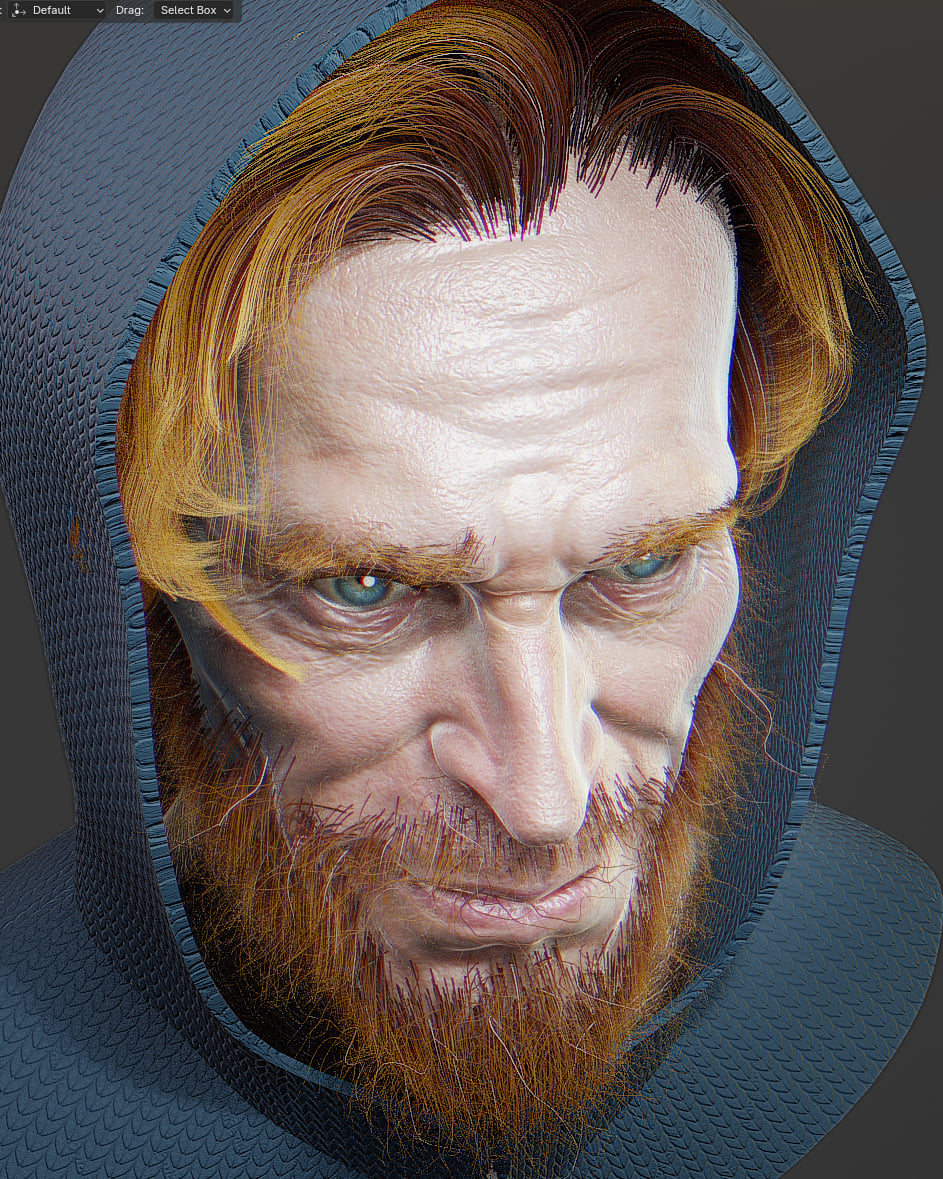
I kind of like eevee , but takes quite a bit of setting up. probably not as good as marmoset for real time stuff, but still ok
Ruz
4 ·




Re: NIGHTBORNE — A Neill Blomkamp Sci-Fi Film. Fully AI (4K)
This one is hard to dissect.
Putting important things like the price and consequences of this "pipeline" aside, what exactly is so bad about it?
If we take away tech issues like hallucinations and broken sharpness filter, because those can be fixed eventually, would it make any difference?
If you pretend for a second that it was not made with AI, would it improve the perceived quality of the work?
Is it all look so weird because of technology or director's vision?
Those of his movies I watched looked good, though, must admit, simply not to my taste. Still, they had certain "charm" and it seemed to be centered on the characters/actors who carry the work with emotional performance. This doesn't have any anchor, any pull. Just people talking and stuff happening.
This gives me the same impression as any other AI videos so far: like the prompter was so impressed with sheer tech capabilities, they forgot to put effort into the movie as a whole. And if they really made an effort and think this was good enough, then I have to question their taste as experienced professional.
If this was supposed to be proof-of-concept, I'm not sure what it proves. The tech is impressive, but everything else is not. Is it the fault of the "tool" or the artist? Would it be better if someone else made it?
Naturally it's just an opinion of a mere consumer: my dislike may be simply a matter of taste in movies and heavy bias against questionable tool.
Still, if this is the future, than I'd rather stick with those who are going to be "left behind".
Putting important things like the price and consequences of this "pipeline" aside, what exactly is so bad about it?
If we take away tech issues like hallucinations and broken sharpness filter, because those can be fixed eventually, would it make any difference?
If you pretend for a second that it was not made with AI, would it improve the perceived quality of the work?
Is it all look so weird because of technology or director's vision?
Those of his movies I watched looked good, though, must admit, simply not to my taste. Still, they had certain "charm" and it seemed to be centered on the characters/actors who carry the work with emotional performance. This doesn't have any anchor, any pull. Just people talking and stuff happening.
This gives me the same impression as any other AI videos so far: like the prompter was so impressed with sheer tech capabilities, they forgot to put effort into the movie as a whole. And if they really made an effort and think this was good enough, then I have to question their taste as experienced professional.
If this was supposed to be proof-of-concept, I'm not sure what it proves. The tech is impressive, but everything else is not. Is it the fault of the "tool" or the artist? Would it be better if someone else made it?
Naturally it's just an opinion of a mere consumer: my dislike may be simply a matter of taste in movies and heavy bias against questionable tool.
Still, if this is the future, than I'd rather stick with those who are going to be "left behind".
 stray
stray
3 ·