The BRAWL² Tournament Challenge has been announced!
It starts May 12, and ends Oct 17. Let's see what you got!
https://polycount.com/discussion/237047/the-brawl²-tournament
It starts May 12, and ends Oct 17. Let's see what you got!
https://polycount.com/discussion/237047/the-brawl²-tournament
[WIP]Honda CBR250R

polycounter lvl 9
So after about a year of research, I have come to the conclusion that I will be buying the 250R. It won't be coming out for at least another month (Or so people say), so I decided to model it. I have never attempted to model anything like this or anything with so many curved shapes. I always stuck to flat boxy shapes, so this is a real challenge for me. Any help/crit/suggestions will be appreciated. Thanks in advance. 
March 16:
http://i303.photobucket.com/albums/nn159/Joshflighter/body2-1.jpg
http://i303.photobucket.com/albums/nn159/Joshflighter/body3-1.jpg
http://i303.photobucket.com/albums/nn159/Joshflighter/body4.jpg
http://i303.photobucket.com/albums/nn159/Joshflighter/body5.jpg
http://i303.photobucket.com/albums/nn159/Joshflighter/body6.jpg
Today:
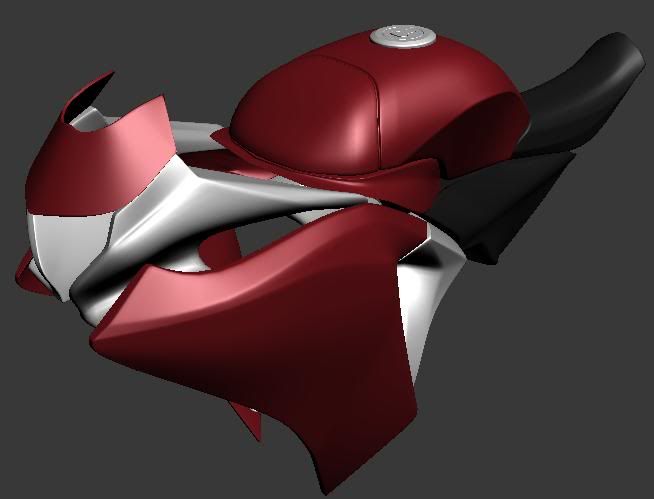
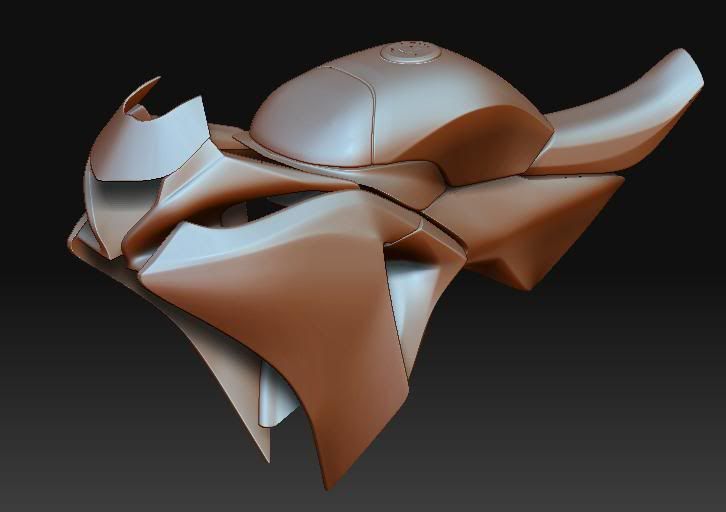
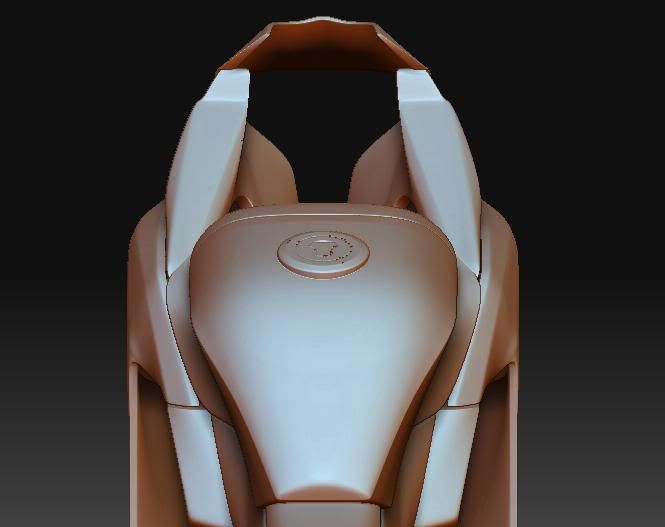
March 16:
http://i303.photobucket.com/albums/nn159/Joshflighter/body2-1.jpg
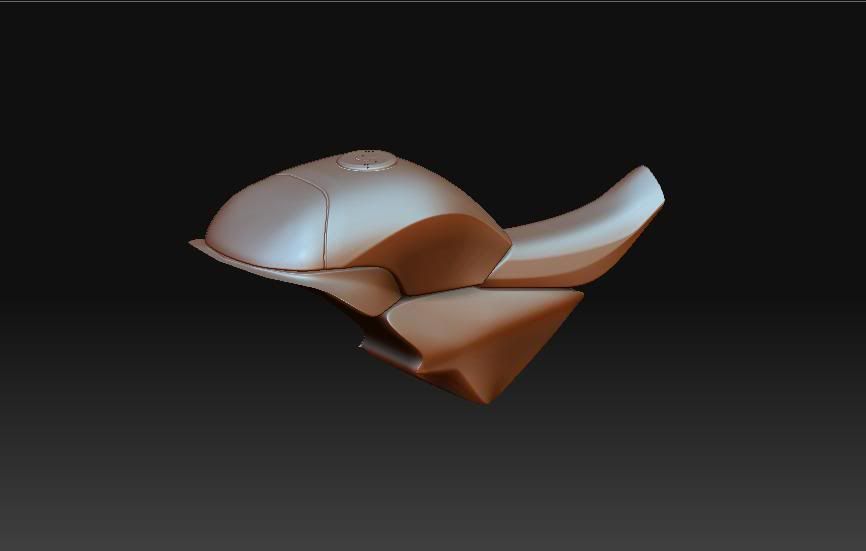
http://i303.photobucket.com/albums/nn159/Joshflighter/body3-1.jpg
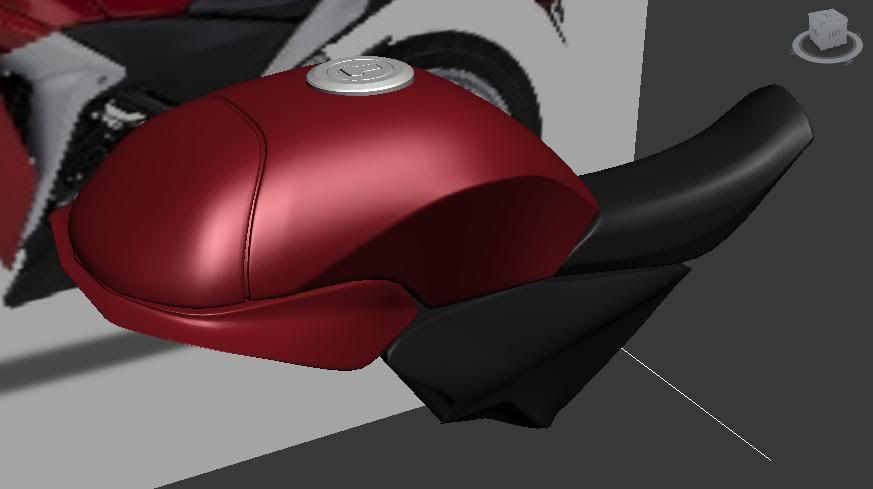
http://i303.photobucket.com/albums/nn159/Joshflighter/body4.jpg
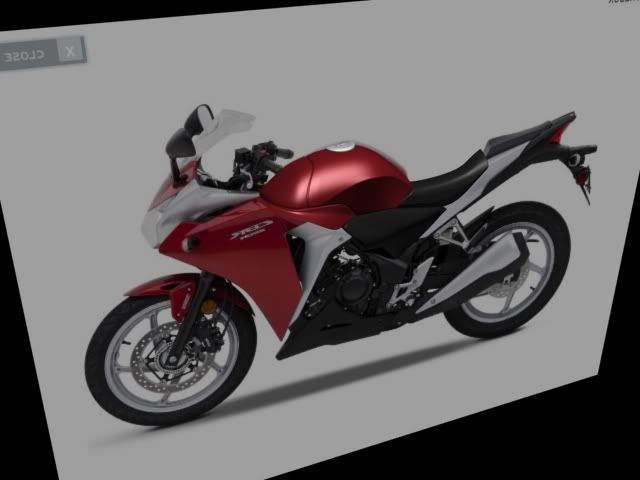
http://i303.photobucket.com/albums/nn159/Joshflighter/body5.jpg
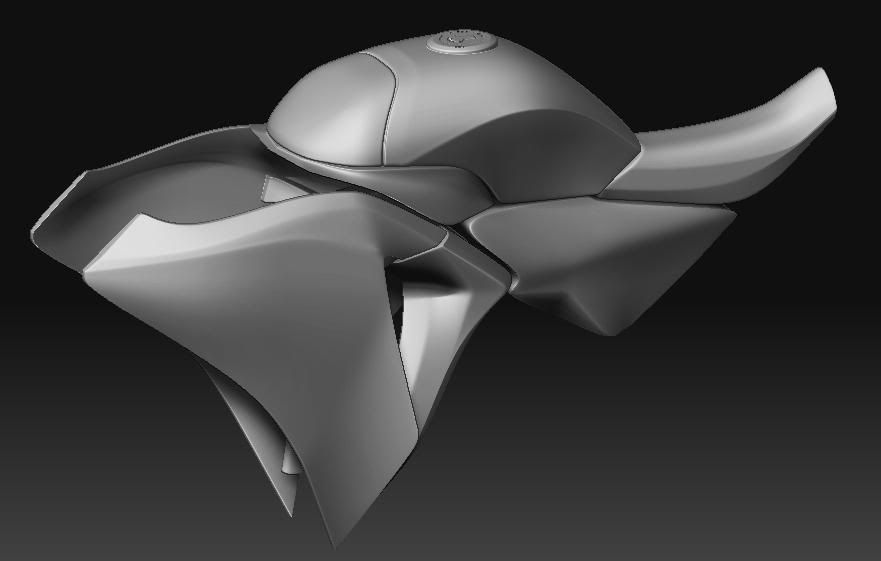
http://i303.photobucket.com/albums/nn159/Joshflighter/body6.jpg
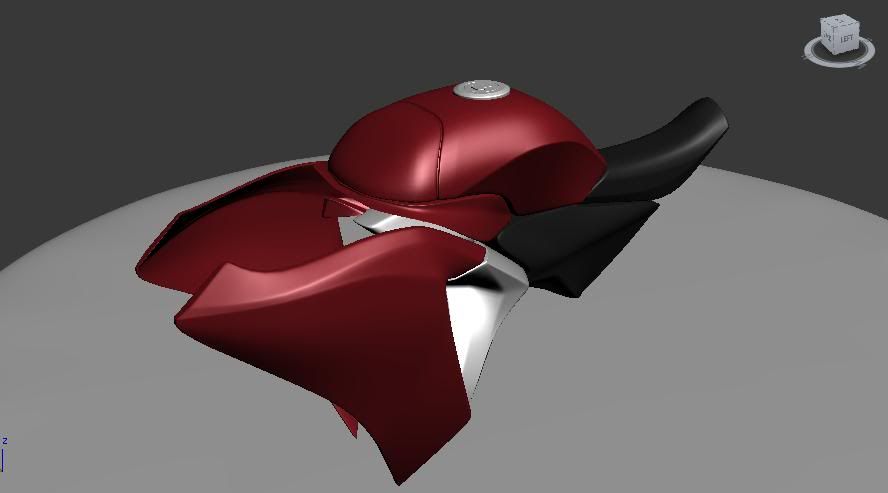
Today:
Replies
Having problems with the "HONDA" text:
[
Really looking good with what you have!
Ben
I don't use zbrush, apart of the fact I use it for quick "renders". I personally don't have a good rendersetup ATM, so zbrush helps with bringing out certain parts of the model. The bike so far is all done in 3ds Max.
Also @ Ben: its currently floating and I want to keep it that way, but I wanted to attach it to the engine model. The problem is I can't because when I do the subdivision messes it all up. I know there was a tut by racer445, but his site and tuts are down.
Also thanks for the comments guys.
Enjoy
Oh and for the fun of it:
High Res:
http://i303.photobucket.com/albums/nn159/Joshflighter/wiprendercopy.png
*This may sound weird... but it took me the entire day to get this wheel right. I'm still not done with it. Heh. Life.*
Edit: The little errors on the rendere'd bike/wheel isnt an error on the model.
I think it's coming along nicely, just be very careful of pinching on the body of the bike. Put lots of love into those parts the most, it's the harder part of modeling mechanical things like this, and in a portfolio, will really determine whether you know what you're doing or not.
@Drav: I haven't thought about that, I will keep that in mind when I model the back part of the bike. Btw thanks. Oh and I looked at you're portfolio, and noticed you have done a bike as well, I love it! Nice stuff!
Update:
So I started school again today (March break is over), and put as many hours as I could into this, but its getting harder to get things done. I must say, the wheel and its accessories are the hardest part of the bike, as of yet.
My only gripe is, the outside of the tire is bad. Redo it. A tire is more than just an extrude inward of some pattern.
Thank you btw.
Sorry no update today. Want to get more done before I render it again.
Update:
I know u havnt started the back yet, but i like the muffler. Model this one:
http://www.motorcycle-usa.com/PhotoGallerys/2011-Honda-CBR250R-ABS2.jpg
See those pipes that feed into the engine. this is the sort of thing that'll make the model seem more full.
https://home.comcast.net/~junkstorage/FRONT.JPG
Oh! I see what you mean. I will look into what I can do with that!
Also, that was the muffler I planned on using.
That bike is an inline 4. A cbr250r is a single.
Check this pic out. Engine and exhaust all in one. Sorry its not larger though.
Update:
Josh.. what did you add? Well, nothing much. I added the glass parts and that is about it. I was at a specialist today, because I am losing a lot of blood, and I'm only 17 (I guess 18, because my birthday is in May, yay!). So my day was gone. Anyways, what is important in this render, is the fact I have went back and re-adjusted the parts to make them more wider because I noticed the back of the bike was becoming to thin. I was going to add things to the wheel in the back, but found out I couldn't because the frame was in the way. I am still in the means of adjusting things, for example the seats (not to look so flat) and other stuff. Hope you guys enjoy this one (It should look more like the real thing):
*I see that some parts need to also be fixed because of my new adjustments. (Near the fuel tank.. ect.)
Not to much, but it's getting there. I need to find a way to realistically render this bike when I am done. Anyone have any tuts? (I wont be texturing this.)
Plus points are you can get amazing materials from free sites like vray-materials.de, but the downside is that learning good setups and settings takes a little while. Well worth it tho.
*Old ss of max, but I liked it*
So I finished the bike! YAY~!
Now, problem: I am using Vray to render, but when I put the HDRI map in for the environment, it doesn't reflect well on the things I want. It also gets rendered everywhere, even on the none-reflection background. ( You can see this on the first 2 renders). Also, I have no figured out how to render glass.
No HDRI for this one:
HiRes (Same images as above):
http://i303.photobucket.com/albums/nn159/Joshflighter/BackPractice.png
http://i303.photobucket.com/albums/nn159/Joshflighter/Dashboardrendercopy.png
http://i303.photobucket.com/albums/nn159/Joshflighter/frontcopy.png
Any help or tips about Vray or with my problems would be greatly appreciated. (Note: I never touched Photoshop to make these renders yet. So they might get better if I do.)
http://cg.tutsplus.com/tutorials/autodesk-3d-studio-max/create-a-photorealistic-car-render-using-3ds-max-and-vray/
Also, use reflection cube maps or something.
Also thanks rooster.
Still practicing:
Update:
Yes yes.. its here. Not really done.
Enjoy:
Fixed link:
http://pbr303.photobucket.com/albums/nn159/Joshflighter/Completedhonda.png
Also, ur bike doesnt really look like it "in" the scene because its reflecting a light that is a slightly different collor as the sunlight in the background picture.
Also the red paint should have little sparkles in it (like real metalic car paint).
Use this one: http://www.vray-materials.de/all_materials.php?mat=2251
Also, tune down the gloss of the black bits on your bike (im not talking abt the rubber bits).
Use this for the glass material. But make sure its reflecting properly.
http://www.vray-materials.de/all_materials.php?mat=1992
I would like to thank roosterMAP (Aka rooster) and everyone else who helped to crit on the model/renders.
Also a thanks goes to Polycount, Eat3d, and Modacity's community for the reply's that kept me going.
As of now, I won't be touch this model, unless I have time.
http://joshdina.carbonmade.com/
Enjoy.